

 Mobile Apps
 Daftra Bussiness App
 POS App
 POS desktop application
 ESS Application
 Expense Scanner App
 E-invoice Reader App

Supplier Management Software
Manage suppliers with Daftra ERP Inventory and Purchases management software via the cloud. Maintain a complete database of suppliers with their details and easily issue purchase invoices without wasting repetitive data entry time. Manage each supplier’s account balance, purchase invoices issues and your due payments to them.
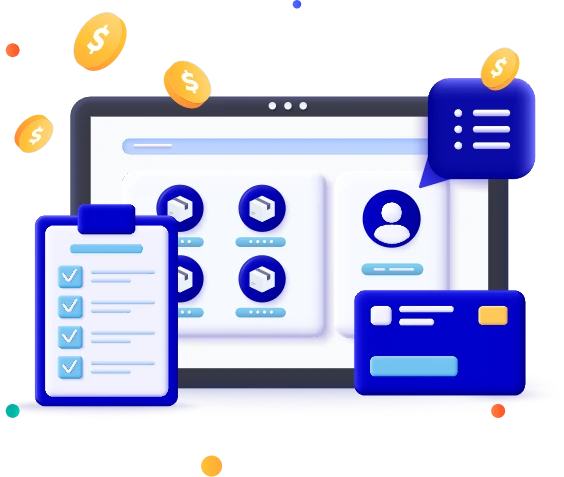
Track your inventory in real-time with Daftra



Manage a workflow of suppliers and purchases
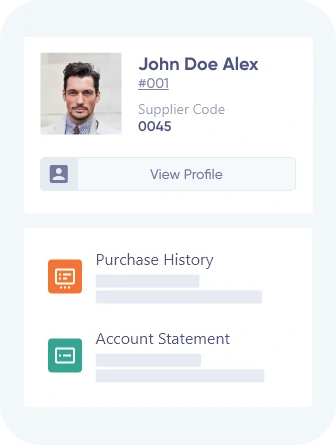
Maintain a database of suppliers and add their business details and buy-sell currency. Add an opening balance in their accounts, generate suppliers’ detailed statements and get an overview of your transactions with them and available balance.


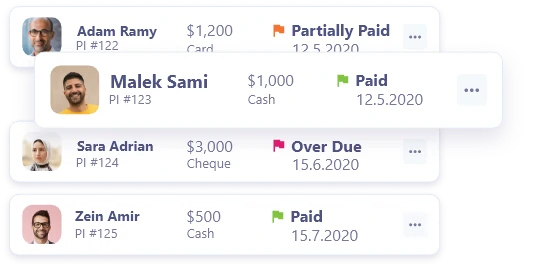
Create and track PIs per supplier
Easily create and send purchase invoices from suppliers’ profiles, issue payments and track and register the quantities received per supplier.
Track payments with account statements
Issue account statement summary and track paid and unpaid purchase invoices, as well as review the balance due per supplier.
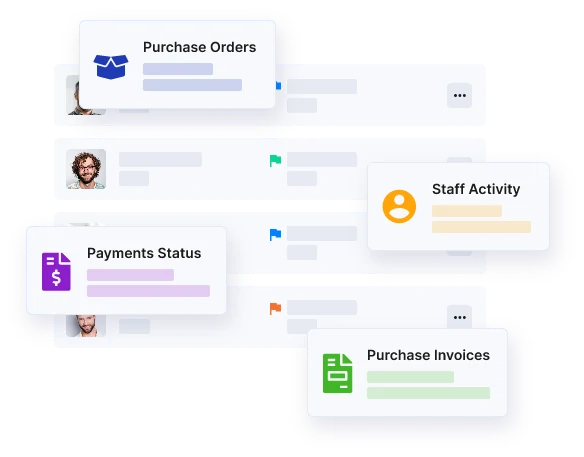
Keep informed with Suppliers’ reports
Generate detailed reporting to track purchases per supplier, suppliers’ list, balance, purchase orders, complete payment statuses and staff activity per supplier. Monitor your payments’ status and get an overview of paid and unpaid purchase invoices as well as delivered and undelivered purchases per supplier.
Pricing
14 Days Trial
No credit card required Cancel anytime
14-day trial gives you a free account, upgrade the same account when your trial period ends.
Daftra Promises as Your
Business Partner
Find out why Daftra has been the choice of over 10,000 SMEs.

Free and
Quick Support
Daftra support is equipped to meet your every inquiry, round the clock, to satisfaction.

Safe and
Secure
Daftra is hosted on secure servers, with 256-bit SSL encryption technology, so is your data in full, private, protected, with constant auto-backups for increased security.

Personalized
Experience
Curated with personalization prioritized, create from scratch or find fully customizable templates, field entries, report filtering, customizable system colors and logo upload to maintain your brand.

Simple
and Advanced
Daftra user manuals are there to guide you, but you won’t feel lost without them. Easily navigate and use powerful features running in the back to provide you a seamless front.

Save Time
and Effort
Our intuitive user interface, backed by automation, is dedicated to serving serious business owners who have no time to waste.

Remote, Yes.
Disconnected, Never
Daftra is cloud-based, your business is never out of reach. Access and manage your business, anywhere, anytime, from any device, consistently updated and intact.

Free
Lifetime Updates
Daftra is constantly growing to expand supporting you. Ongoing updates are included for free, whatever plan you select, forever.

Cut-rate
Deal
All-in-one and accessible for your business in whatever size and budget. Replace a number of tools, with their effort of learning and fees by investing in one budget-friendly solution.